richmond.dev
Fri Jun 05 2026
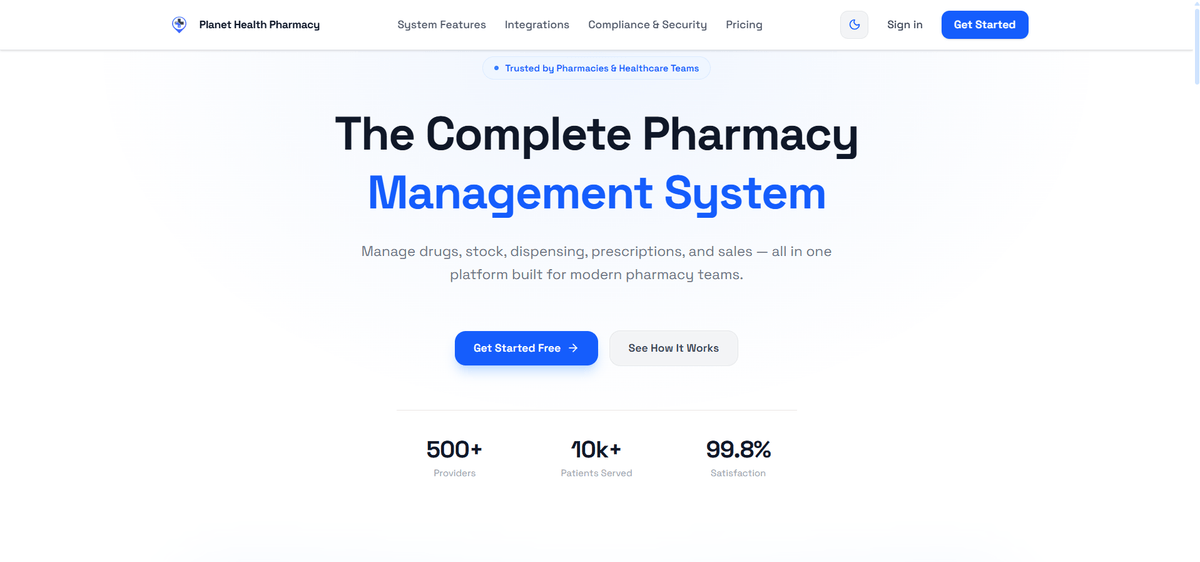
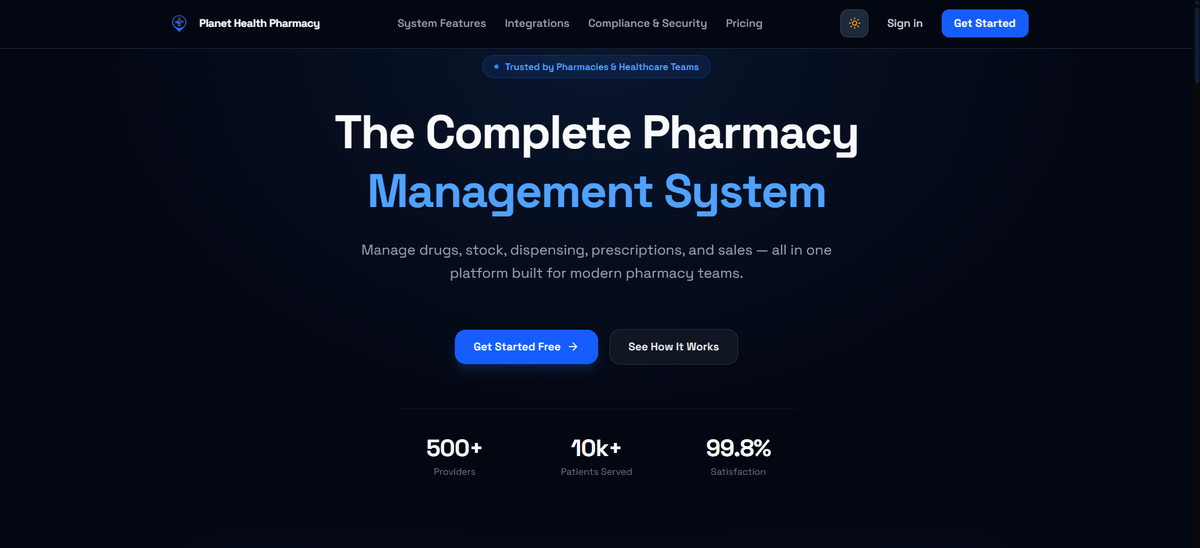
Planet Health Care System
Website - https://planet-health-pharmacy-system.vercel.app/GitHub - https://github.com/Watuulo-Richard/Planet-Health-Pharmacy-System
Next.js
TypeScript
PostgreSQL
Prisma
TailwindCSS
PWA
Firebase
A modern, offline-first pharmacy management web application with real-time push notifications, a Point-of-Sale system, and role-based dashboards for Dispensers, Admins, and the Super Admin. Built with Next.js, TypeScript, PostgreSQL, and Prisma — installable as a PWA on any device.
What is Planet Health Care System?
Planet Health Care System is a full-stack pharmacy management platform built to help pharmacies run smoothly — from selling drugs at the counter to managing stock, suppliers, and staff — all from one place. It works without an internet connection, sends real-time notifications to the right people, and can be installed on any phone, tablet, or computer just like a native app.
Whether you are a pharmacist behind the counter, a pharmacy manager, or the business owner, Planet Health Care has a dedicated space built specifically for you.
Who Is It For?
Planet Health Care is designed around three types of users, each with their own dashboard and set of tools:
🧑⚕️ 1. The Dispenser (Pharmacist at the Counter)
The Dispenser is the person who handles customers directly — receiving prescriptions, picking drugs off the shelf, and processing sales. Their dashboard is built around speed and simplicity.
What a Dispenser can do:
- Point of Sale (POS): Search for drugs, add them to a cart, apply quantities, and complete a sale in seconds. The POS works even when the internet is down.
- View Prescriptions: See prescriptions assigned to them and dispense the right drugs to the right patient.
- Manage Customers: Look up existing customers or register new ones quickly during a sale.
- View Stock Availability: Check whether a drug is in stock before confirming a sale.
- Receive Notifications: Get real-time alerts — for example, when a new prescription is assigned to them or when a drug they frequently dispense is running low.
🧑💼 2. The Admin (Pharmacy Manager)
The Admin is the pharmacy manager — the person responsible for keeping the business running day to day. They have a broader set of tools compared to the Dispenser.
What an Admin can do:
- Manage Drugs: Add new drugs to the system, update drug details, set pricing, and organise them by category.
- Manage Stock: Track how much of each drug is available, record new stock arrivals in batches, and monitor stock levels. The system uses FEFO (First Expiry, First Out) logic to automatically prioritise drugs that expire soonest — reducing waste and protecting patients.
- Manage Suppliers: Keep a record of all suppliers, their contact details, and purchase history.
- Purchase Orders: Raise orders for new stock and track their status from pending to delivered.
- Manage Dispensers: Add new dispenser accounts, assign roles, and monitor activity.
- View Sales Reports: See daily, weekly, and monthly sales summaries to understand business performance.
- Manage Prescriptions: Upload or create prescriptions and assign them to the right dispenser.
- Send Notifications: Push real-time alerts to dispensers — for example, when urgent stock arrives or a task needs attention.
👑 3. The Super Admin (Business Owner / System Administrator)
The Super Admin has full control over the entire platform. This is the highest level of access — typically the pharmacy owner or the person who set up the system.
What the Super Admin can do:
- Everything the Admin can do, plus:
- Manage Admin Accounts: Create, update, or deactivate Admin accounts.
- Full System Oversight: View activity across all roles, all branches (if applicable), and the entire business.
- System Configuration: Control application-wide settings, permissions, and platform behaviour.
- Access All Reports: View comprehensive analytics covering the full operation — sales, stock, staff activity, and more.
Key Features
📦 Offline-First — Works Without Internet
Planet Health Care is built as an offline-first application. This means the app continues to work even when the internet goes down — which is common in many pharmacy settings. Sales can still be processed, prescriptions can still be viewed, and data is automatically synced back to the server the moment the connection returns. No data is lost.
📲 Installable as an App (PWA)
Planet Health Care is a Progressive Web App (PWA). This means you can install it on your phone, tablet, or computer directly from the browser — no app store needed. Once installed, it opens like a native app, works offline, and feels fast and responsive on every screen size.
🔔 Real-Time Push Notifications
The system uses Firebase Cloud Messaging (FCM) to send instant push notifications to the right people at the right time. Examples include:
- A dispenser gets notified the moment a new prescription is assigned to them.
- The admin receives an alert when a drug's stock falls below a set threshold.
- Staff are notified when a purchase order is approved or a new delivery arrives.
Notifications are role-based — meaning each person only receives alerts relevant to their job. Dispensers don't receive admin-level alerts, and vice versa.
🛒 Point of Sale (POS)
The POS interface is fast, clean, and designed for real pharmacy workflows. The dispenser can search for drugs by name, adjust quantities, apply discounts, and complete a sale with just a few clicks. The cart state is preserved even if the page is accidentally refreshed.
📊 Stock Management with FEFO Logic
Stock is tracked in batches — each batch has its own expiry date and quantity. When dispensing drugs, the system automatically prioritises the batch that expires soonest (FEFO), reducing the risk of dispensing expired medication and minimising wastage.
How It Works — Step by Step
- A customer walks into the pharmacy with a prescription or a direct request for medication.
- The Dispenser logs in to their dashboard and opens the POS.
- They search for the drug, add it to the cart, and confirm the sale. If a prescription exists, they link it to the sale.
- In the background, stock levels are updated automatically.
- If stock for that drug drops below the safe level, the Admin receives a push notification instantly.
- The Admin raises a Purchase Order for the supplier to restock.
- When the new stock arrives, it is recorded as a new batch with an expiry date.
- The Super Admin reviews reports at the end of the month to understand sales trends, top-selling drugs, and overall business health.
Tech Stack
-
Frontend
- Language: TypeScript
- Framework: Next.js 15 (React)
- Styling: TailwindCSS
- State Management: Zustand (cart state), TanStack Query (server state)
- Icons: Lucide React
-
Backend
- Runtime: Node.js
- API: Next.js API Routes + Server Actions
- Database: PostgreSQL (Neon DB)
- ORM: Prisma
- Authentication: Better Auth
-
PWA & Notifications
- PWA: Next.js PWA (service worker, offline support, installable)
- Push Notifications: Firebase Cloud Messaging (FCM)
-
Deployment
- Platform: Vercel
- Database Hosting: Neon (serverless PostgreSQL)
Open-Source and Modern Architecture
Planet Health Care is built on a clean, layered architecture — from the database schema all the way up to the UI. Every feature follows a consistent pattern: Prisma schema → TypeScript types → API routes → Server Actions → Service layer → React Query hooks → Zod validation → UI components. This makes the codebase easy to maintain, extend, and hand off to another developer.
Try It Out
Visit the live application and explore it for yourself:
- Live App: planet-health-pharmacy-system.vercel.app
- Source Code: github.com/Watuulo-Richard/Planet-Health-Pharmacy-System